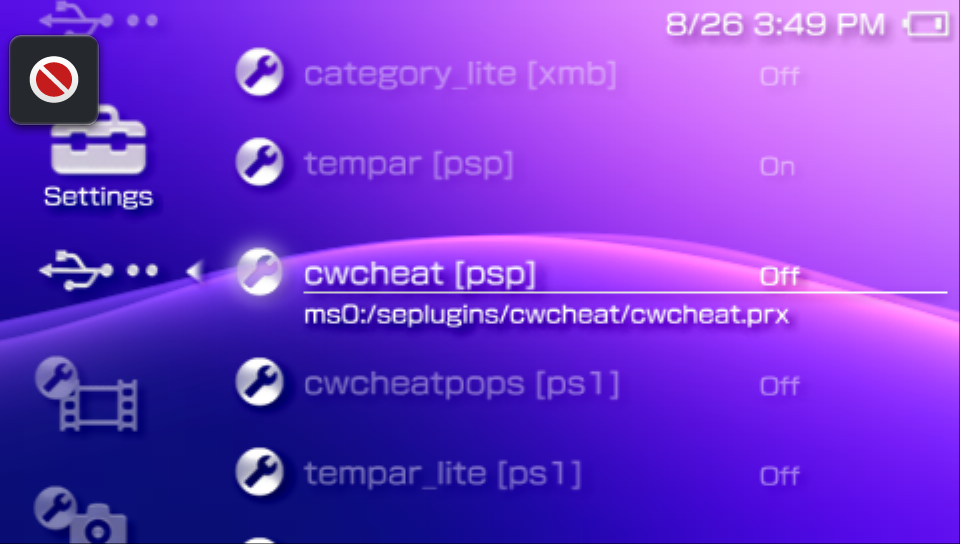
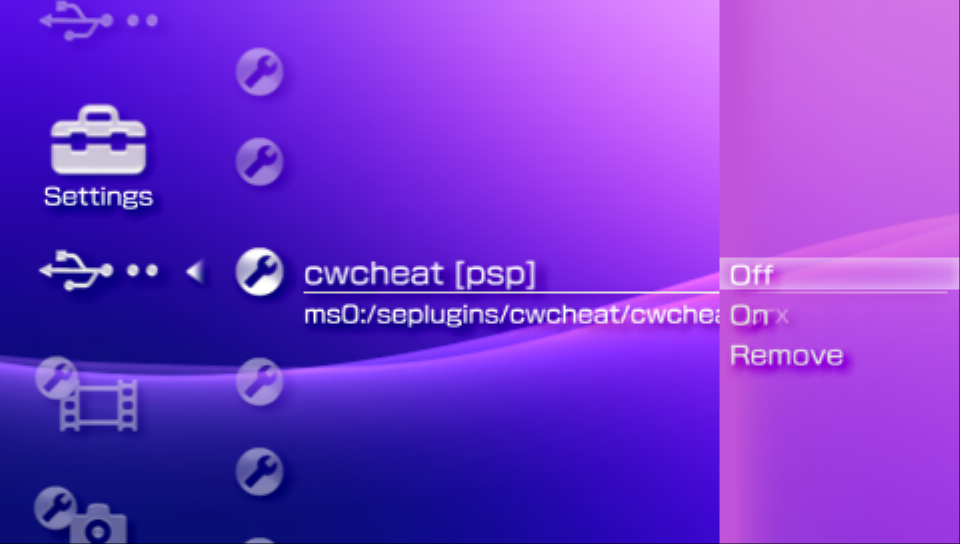
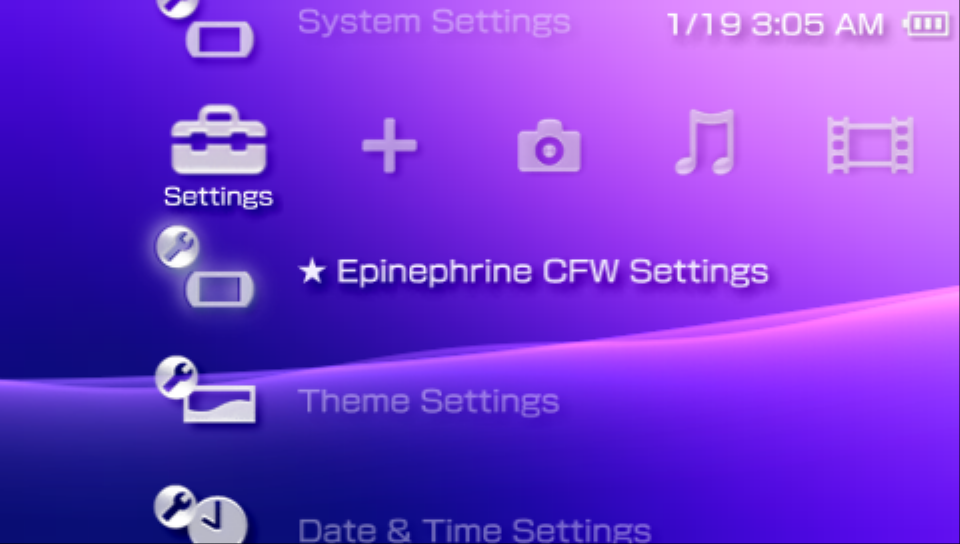
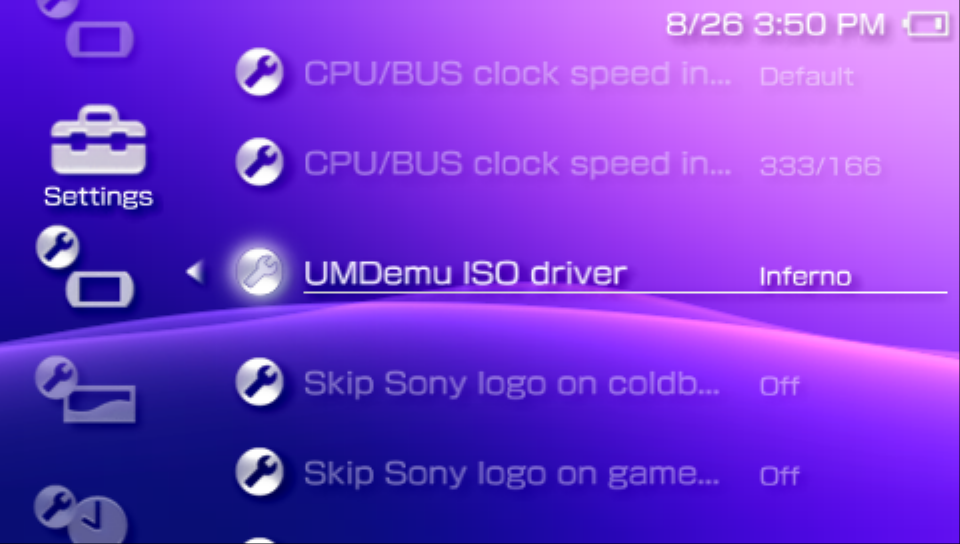
XMB CFW Menus
Epinephrine adds extra menus to the XMB that allow the user to change CFW settings and work as a plugin manager.
★ Epinephrine CFW settings
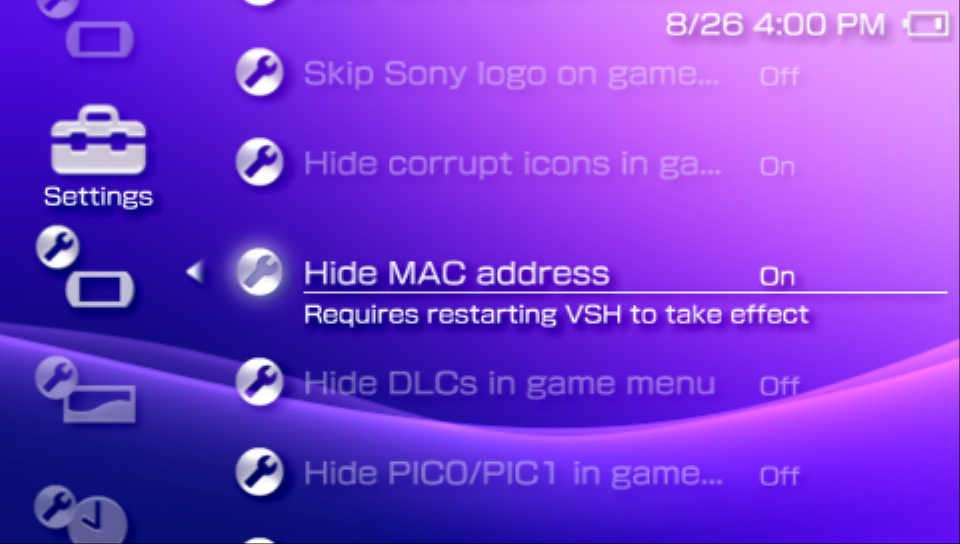
This menu can be found in the Settings section of the XMB. It allows modifying the Epinephrine CFW Settings.
Some options may require that the system be restarted before taking effect. This will be informed in the menu (third image).
Advanced settings are marked with the ▲ symbol at the start.
★ Plugins Manager
This menu can be found in the Settings section of the XMB. It allows modifying the plugin configuration directly from the XMB.
Once opened, it will show the list of plugins, their runlevels, and their path. Clicking the enter button allows to select the state of the plugin entry (On, Off, Remove).
The Remove option will remove the configuration line related to the plugin configuration file and restart the XMB.