Epinephrine Recovery Menu
The Epinephrine Recover Menu allows the user to modify the Epinephrine CFW Settings, work as a plugin manager and extra features.
There are two ways to enter in the Recovery Menu. Either on XMB, by opening the VSH Menu and selecting the RECOVERY MENU option, or opening the Adrenaline Application while holding the R button.
The Recovery Menu has three sections: General, Advanced and Plugin.
General
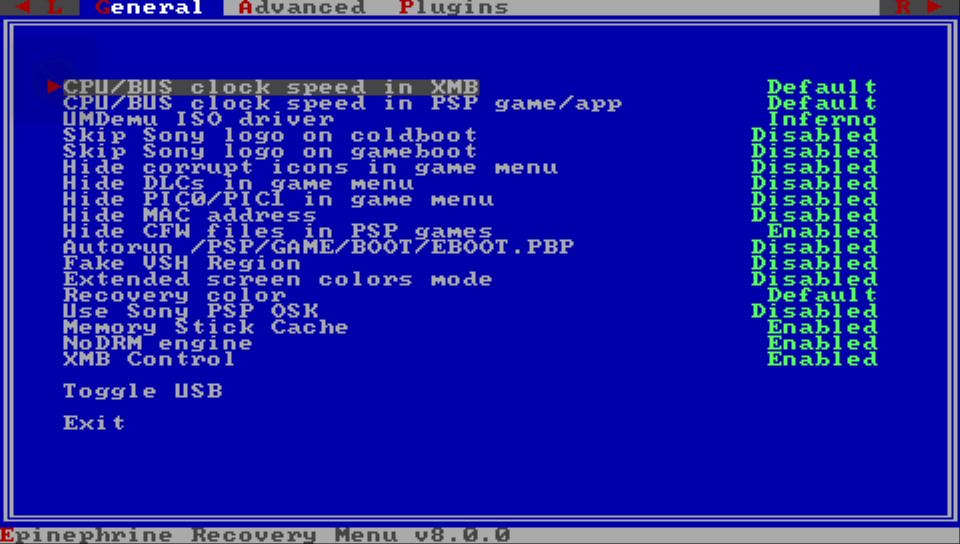
This section is more focused on the General CFW Settings. But it contains a couple of extra itens detailed bellow.
Toggle USB
Switch the state of USB connection while on Recovery Mode.
Exit
Exit the Recovery Menu and restart the vPSP system.
Advanced
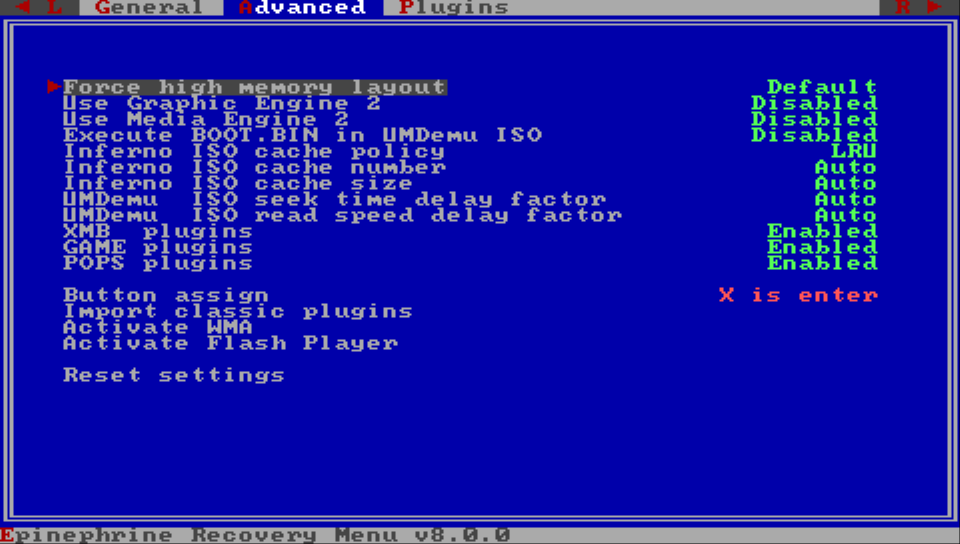
This section is more focused on the Advanced CFW Settings. But it contains a few extra itens detailed bellow.
Button assign
Configures what button is used for confirmation/enter system-wide.
Options:
⭕️ is enter❌ is enter
Import classic plugins
Imports the classic plugin configuration (/seplugins/vsh.txt, /seplugins/game.txt, /seplugins/pops.txt) to the new format at ???0:/pspemu/seplugins/plugins.txt.
warning
If you already have a ???0:/pspemu/seplugins/plugins.txt file, it will be overwritten by this action.
Activate WMA
Enables WMA playback without connecting to the internet.
Activate Flash Player
Enables Flash Player without connecting to the internet.
Reset settings
Resets the CFW settings to the default values.
Plugins
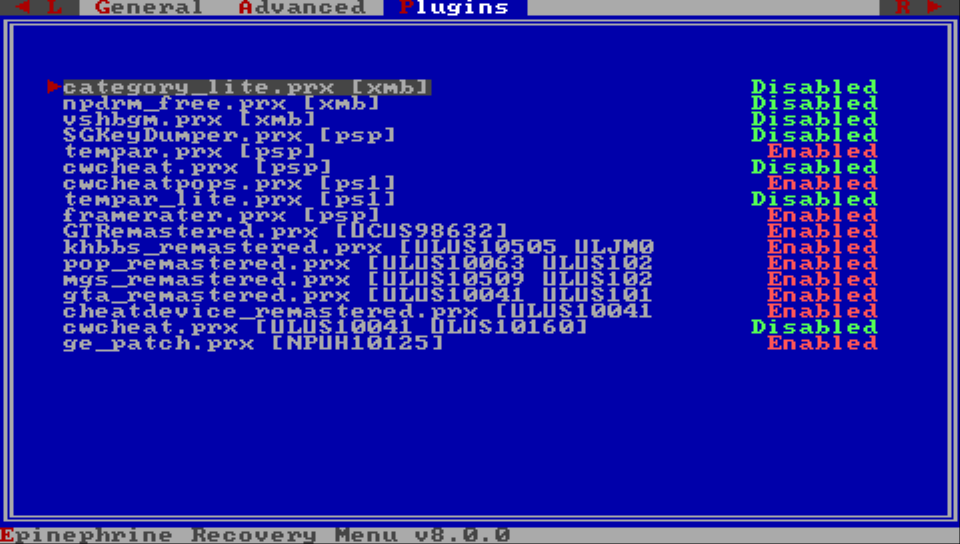
This is the Recovery Menu plugin manager. Here you can select a plugin and change its value to Disabled or Enabled.