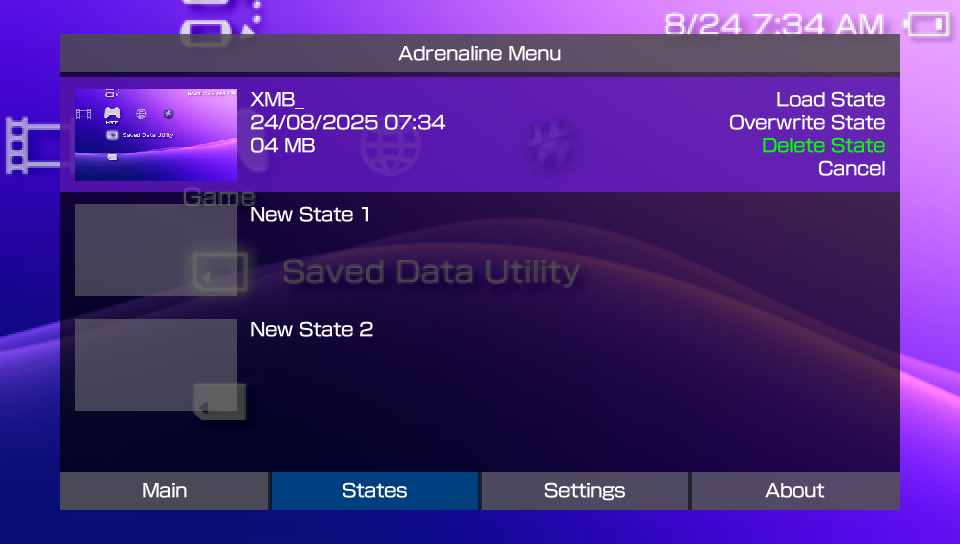
Adrenaline Save State
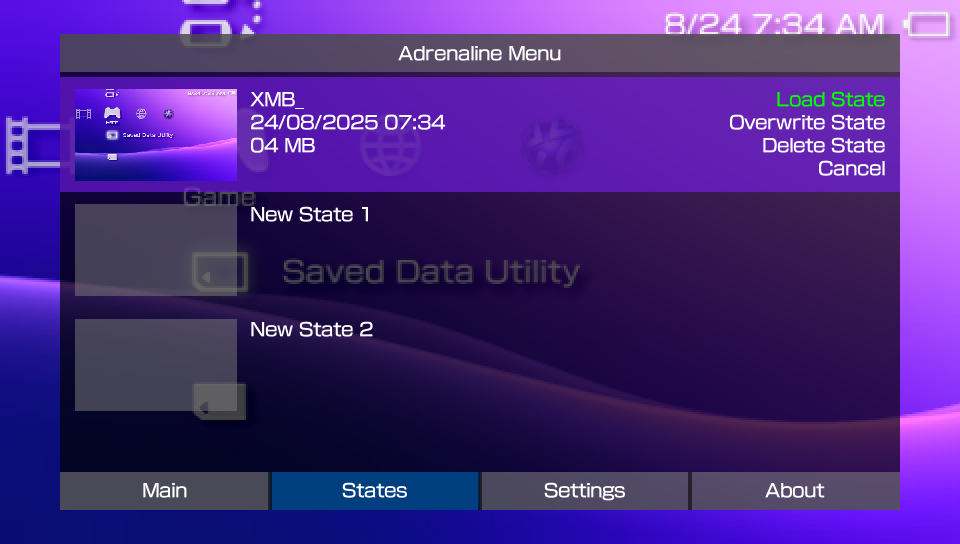
Adrenaline has native support to Save States, accessible in the Adrenaline Menu. It supports the creation of up to 31 save states.
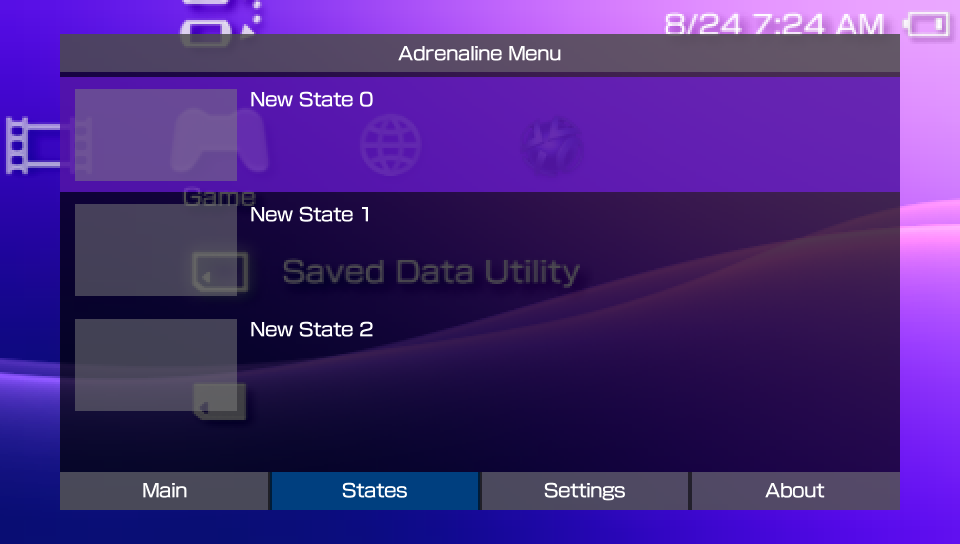
What is a Save State
A save state is a snapshot of the current status of a game, allowing you to save and restore your progress at any point. Unlike traditional in-game saves, save states capture everything in memory, so you can resume exactly where you left off, even if the game itself doesn’t support saving at that moment.
Creating Save State
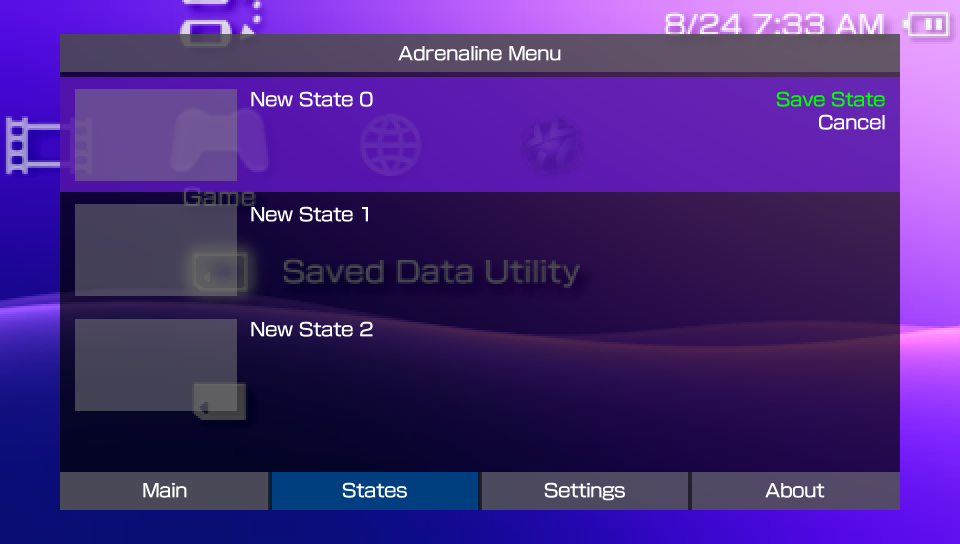
To create a save state, do the following:
- Open Adrenaline Menu
- Hold the
HOMEbutton to open PSVita/PSTV’s Quick Menu - Click on the
Settingsbutton on the screen
- Hold the
- Press
LorRuntil you reach the States tab - Select an empty state slot
- Press
X, select Save State, and pressXto save the state
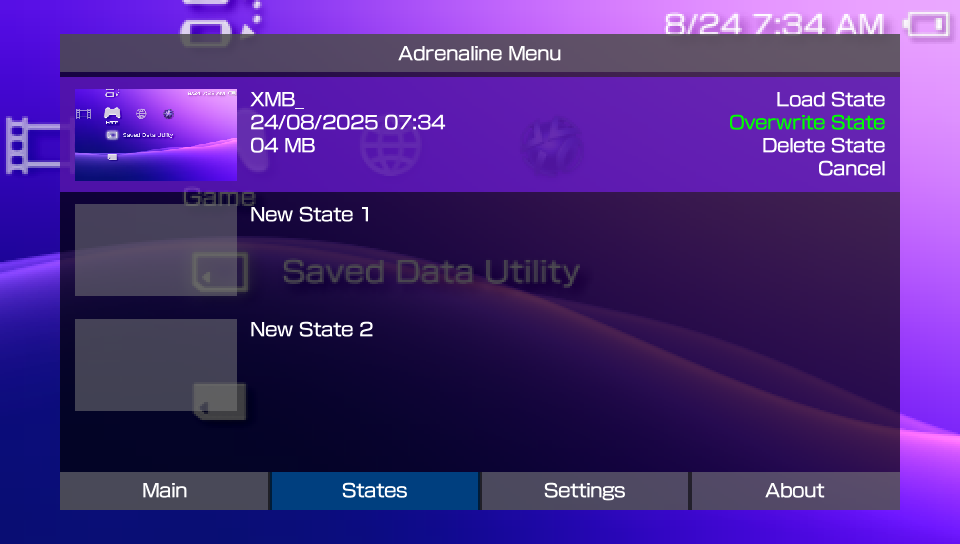
Alternatively, you can save the state by substituting a previously saved state (i.e. overwriting the save state):
- Open Adrenaline Menu
- Hold the
HOMEbutton to open the PSVita/PSTV’s Quick Menu - Click on the
Settingsbutton on the screen
- Hold the
- Press
LorRuntil you reach the States tab - Select an empty state slot
- Press
X, select Overwrite State, and pressXto overwrite the state
Loading Save State
To load a save state, do the following:
- Open Adrenaline Menu
- Hold the
HOMEbutton to open PSVita/PSTV’s Quick Menu - Click on the
Settingsbutton on the screen
- Hold the
- Press
LorRuntil you reach the States tab - Select a saved state slot
- Press
X, select Load State, and pressXto load the state
Deleting Save State
To delete a save state, do the following:
- Open Adrenaline Menu
- Hold the
HOMEbutton to open PSVita/PSTV’s Quick Menu - Click on the
Settingsbutton on the screen
- Hold the
- Press
LorRuntil you reach the States tab - Select a saved state slot
- Press
X, select Delete State and pressXto delete the state