Adrenaline Menu
Adrenaline Menu is a menu that you access Adrenaline information, Adrenaline Application settings, the save state feature, and more.
The Adrenaline Menu
To open the Adrenaline menu, you have to:
- Hold the
HOMEbutton to open the PSVita/PSTV’s Quick Menu - Click on the
Settingsbutton on the screen
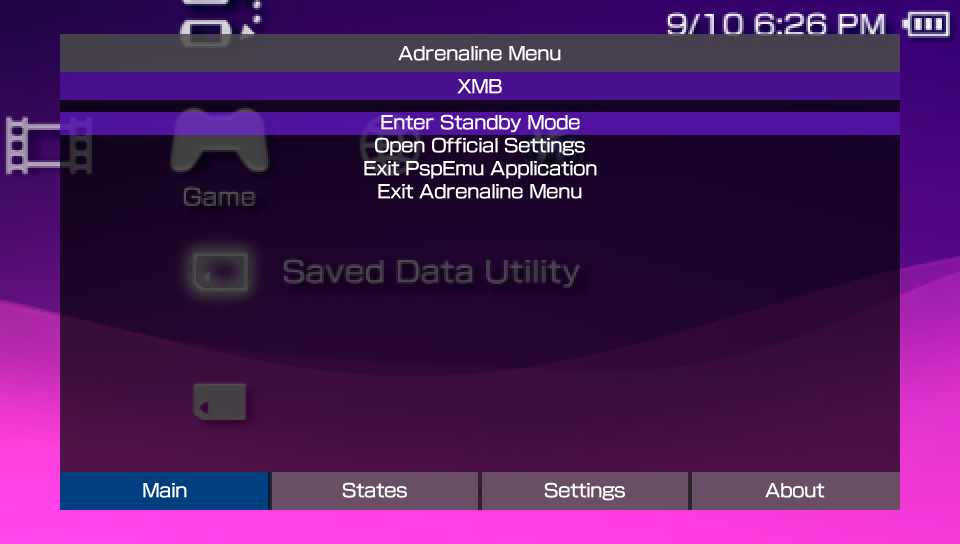
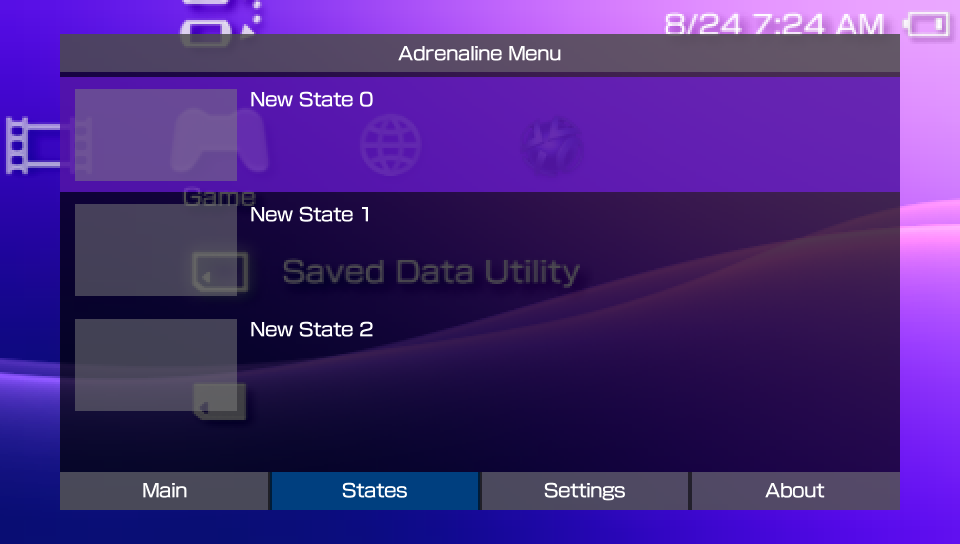
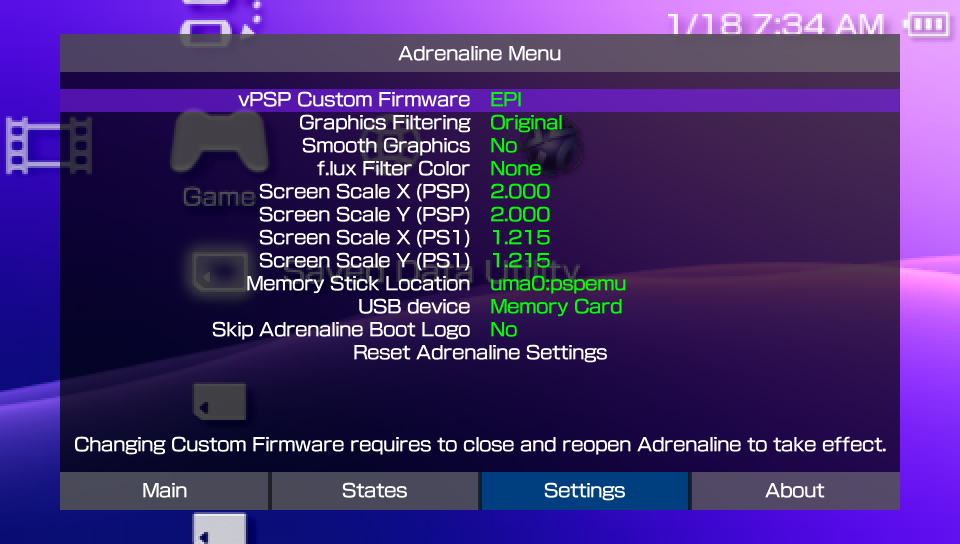
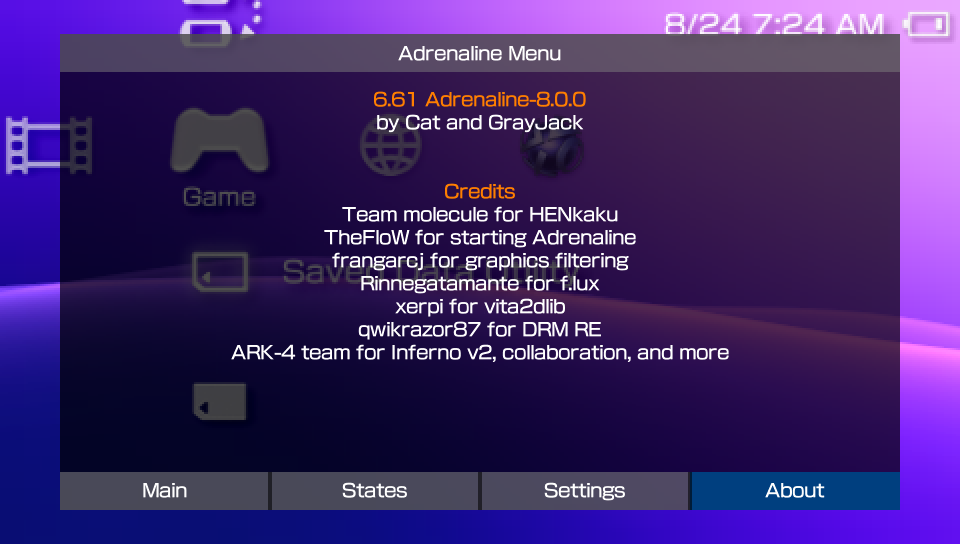
Once opened, you can notice it has four tabs: Main, States, Settings, and About.
Main tab
This tab has the launched application information (title and title ID) and the most basic options, detailed bellow.
Enter Standby Mode: Make the system enter standby modeOpen Official Settings: Opens the official PSVita/PSTV PSPemu game settingsExit PspEmu Application: Exits the applicationExit Adrenaline Menu: Closes the menu
States
This tab has the front UI for the native save state feature of Adrenaline. You can find more information on this feature on the Save State page.
Settings
This tab has the Adrenaline App configuration options. You can find more information on each of the settings at Adrenaline Settings page.
About
This tab shows the Adrenaline version and credits.